
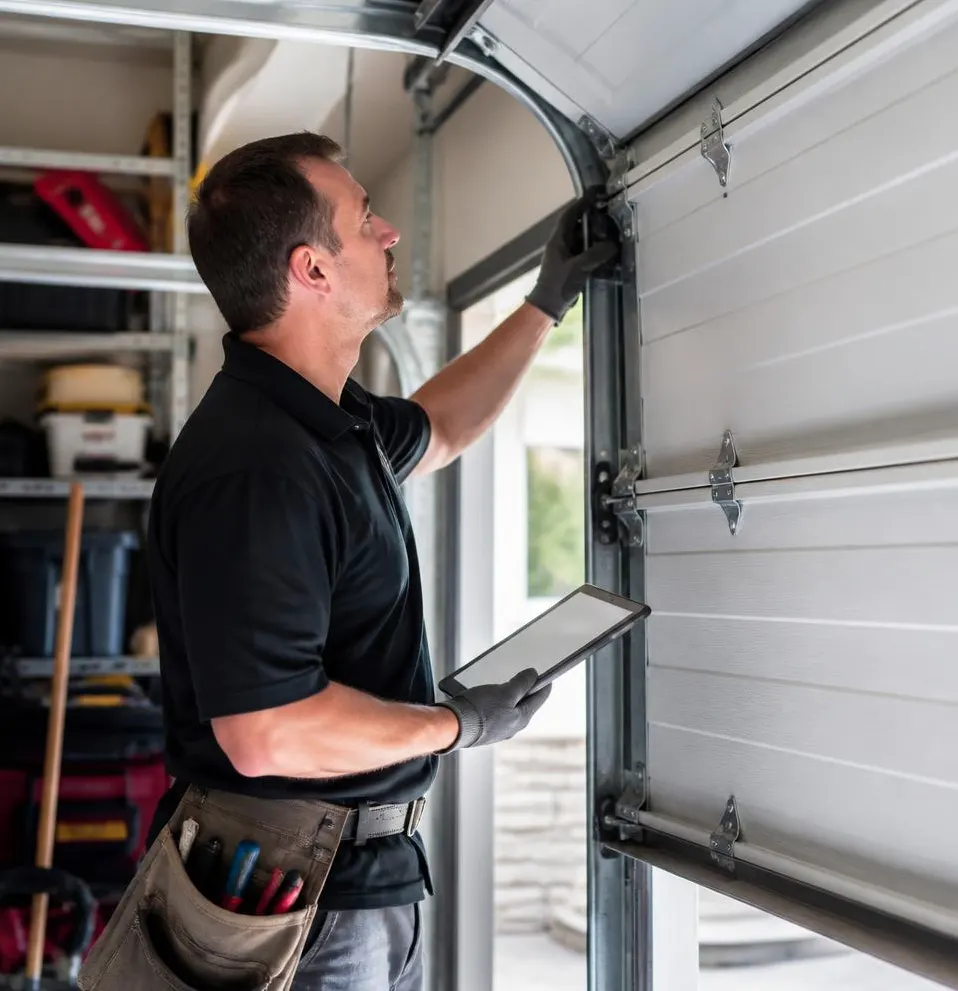
What a Technician Sees on This Call
The call usually starts the same way: a homeowner moved into a house where the previous owner's remotes never got wiped, a contractor doing earthquake retrofit work still has a clicker from six months ago, or someone noticed their garage door open on its own and started wondering who else has access. Sometimes it's simpler — a remote fell out of a beach bag or a car console got broken into near Atlantic Ave and the keypad is the only way in now. By the time the technician arrives, the homeowner usually wants two things: clear every old code out of the opener's memory, and get new remotes and a new keypad PIN working before anyone sleeps easy again.
Tools You'll Need
- Stepladder tall enough to reach the opener unit mounted on the garage ceiling
- Flashlight or phone light
- The opener's model number (usually on a sticker on the housing) or the manual, which most manufacturers also post online by model number
- A pen, paperclip, or small screwdriver to press the recessed “Learn” button
- Fresh batteries for the remote(s) and keypad
Step-by-Step: Clearing Old Codes and Reprogramming
- Locate the Learn button. On most openers (Chamberlain, LiftMaster, Genie) it's a small, often purple or orange button on the back or side of the motor unit, sometimes under a light lens cover.
- Erase all existing codes. Press and hold the Learn button until the indicator light turns off or blinks rapidly (timing varies by model, usually 6–10 seconds). This wipes every remote and keypad code currently stored — the single most important step after a lost or stolen remote, because it kills access for anything you haven't reprogrammed yet.
- Reprogram each remote you want to keep. Press Learn once, then within 30 seconds press and hold the button on the remote until the opener light blinks or clicks, confirming it's paired.
- Set a new keypad PIN. Press Learn, then enter a new 4-digit PIN on the keypad and press Enter (or the # key, depending on brand) within the programming window.
- Test everything. Open and close the door with each remote and the new keypad code before you consider the job done. If the door reverses, stalls, or the light doesn't blink during programming, stop and treat it as a troubleshooting issue rather than repeating the same steps.
- Replace batteries while you're at it. A remote or keypad with a weak battery will sometimes pair but then fail intermittently a week later, which looks like a bigger problem than it is.
What a Homeowner Can Handle
- Replacing batteries in remotes and keypads
- Pairing an additional remote using the Learn button, as long as the opener is a standard modern model with that feature
- Changing a keypad PIN through the normal programming sequence above
- Wiping all codes and starting fresh on a single opener with no wiring issues
When It Needs a Technician
- The Learn button sequence doesn't erase or pair anything, even after fresh batteries — often a sign the logic board is failing
- The opener predates rolling-code technology (common on units installed decades ago) and uses fixed dip-switch codes, which are far less secure and worth upgrading rather than just reprogramming
- You have multiple openers on a commercial property or a duplex and need to manage which remotes work on which doors
- The keypad itself has a damaged wire run, a corroded contact, or a cracked housing letting moisture in
- You want a smart, app-based opener installed so access can be revoked remotely without climbing a ladder every time
A Seasonal Note Worth Acting On
Right now, dry fall conditions mean dust and occasional wildfire smoke settle into keypad buttons and remote contacts, which can make buttons stick or feel unresponsive even when the code is right. Closer to the coast, salt air speeds up corrosion on keypad terminals and battery contacts over time. With winter rain on the way, it's a good window to confirm your keypad's weatherproof cover seals properly and that battery compartments aren't already showing the early green corrosion that leads to a dead keypad mid-storm.
When to Call Long Beach Overhead Door Co
If you've cleared the codes and reprogrammed everything but the opener still won't pair, if the keypad has visible corrosion or wiring damage, or if you're dealing with an older fixed-code system that should really be upgraded for security, that's where our Opener Repair & Installation service comes in — we'll diagnose whether it's a dead logic board, a wiring fault, or simply time for a newer unit. And if it's just been a while since anyone checked your opener's hardware, our Maintenance & Tune-Ups visit covers the keypad, remotes, sensors, and moving parts in one trip, so small issues like a sticking button don't turn into a lockout.
If you're in Long Beach, Lakewood, Signal Hill, Carson, Compton, Paramount, Bellflower, or Wilmington and need a garage door technician to sort out remotes, keypads, or anything in between, call Long Beach Overhead Door Co today.